Manager experience
Learner progress management tool
Running a learning management system to deliver training to employees can be difficult at scale. Not all people leading teams have the time or skillset to engage with a robust system of reports and data to easily administer training to their direct reports.
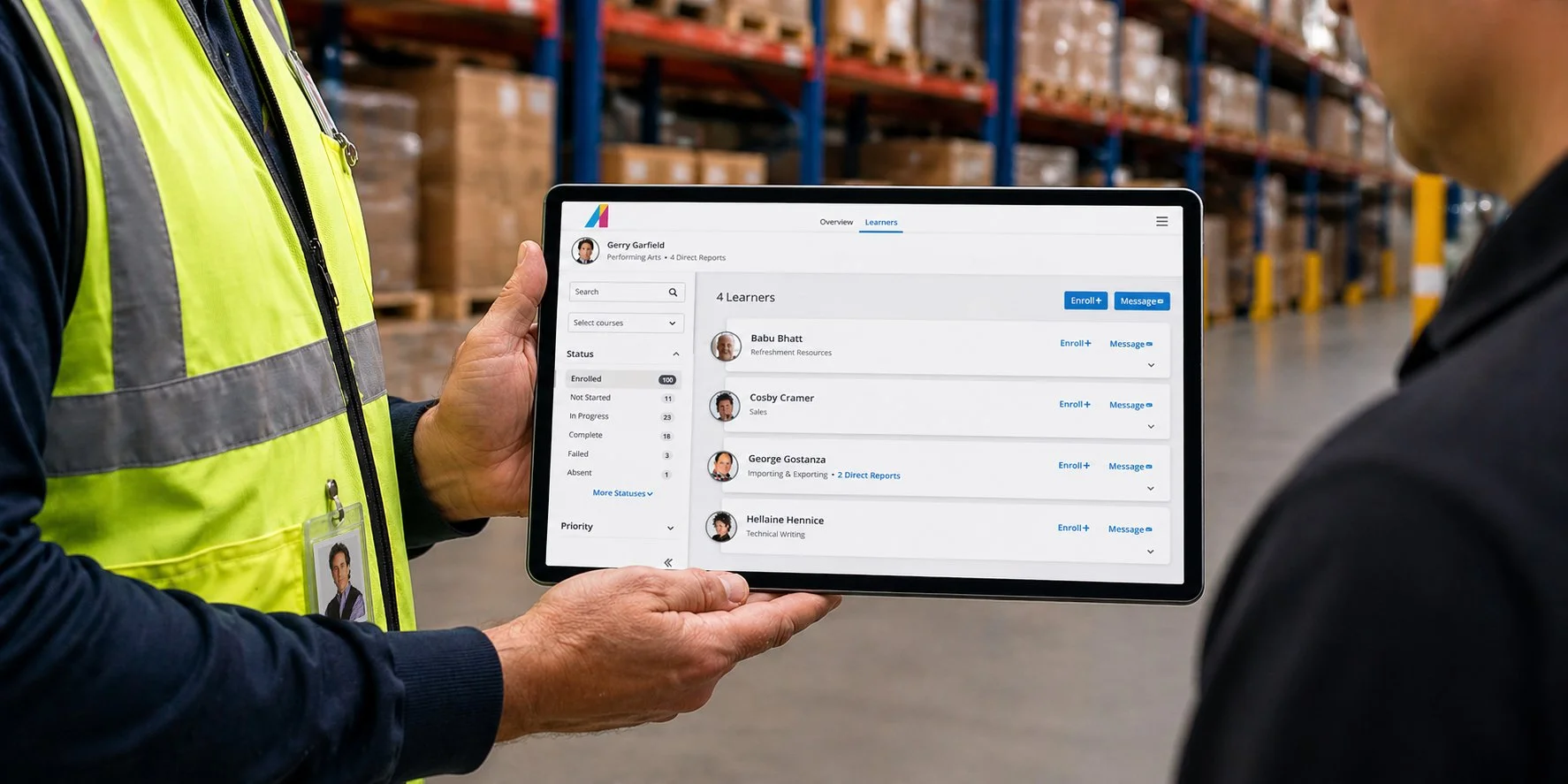
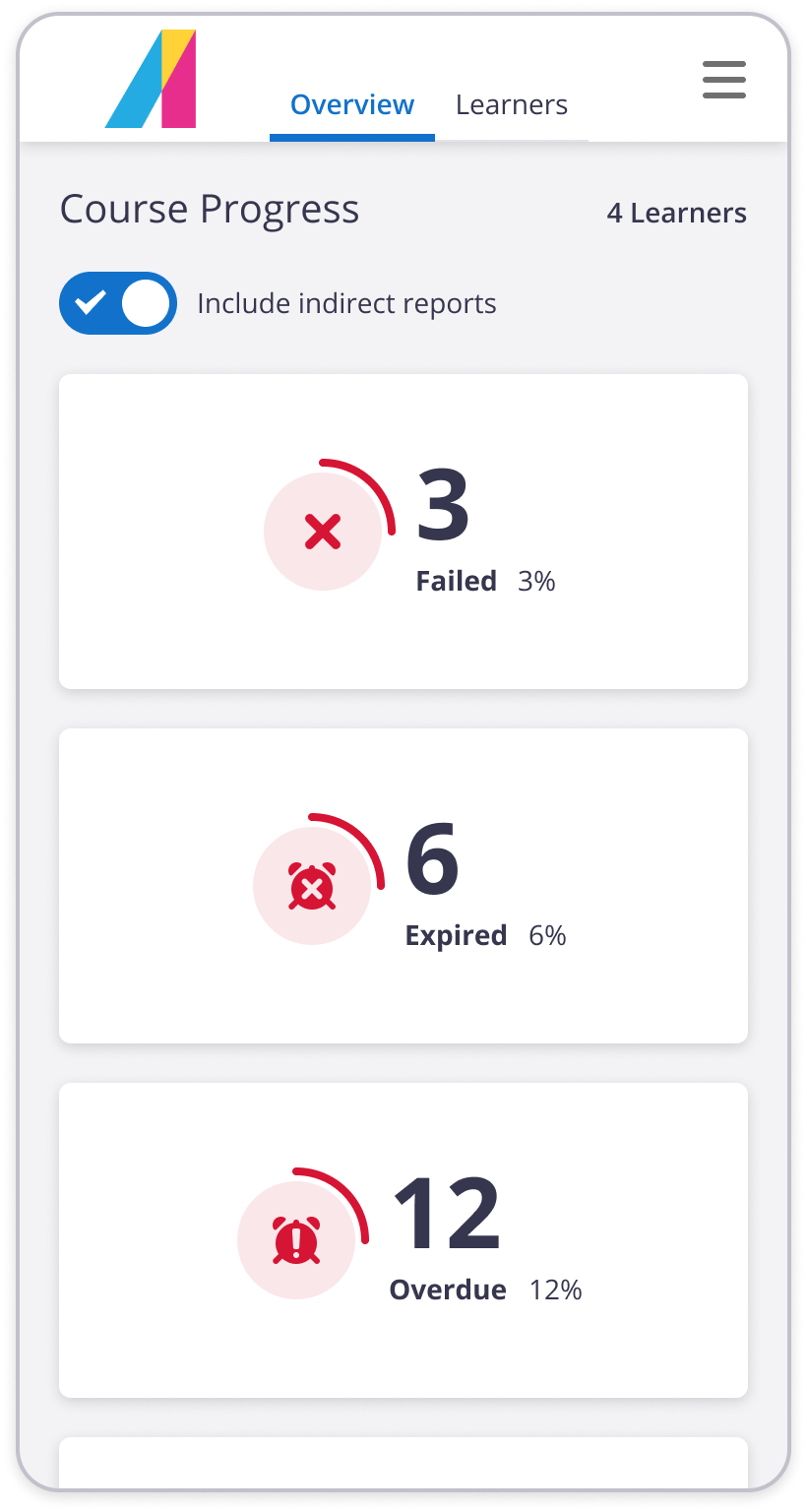
Managers needed a tool that was easy to get to, provided progress reporting at a glance, and had only the essential tools to resolve gaps in training, all from a lightweight, mobile-friendly package.
The many-to-many problem
The intersection of Learners and courses was a progress status that a manager could address, making sure each learner was assigned the right training at the right time.
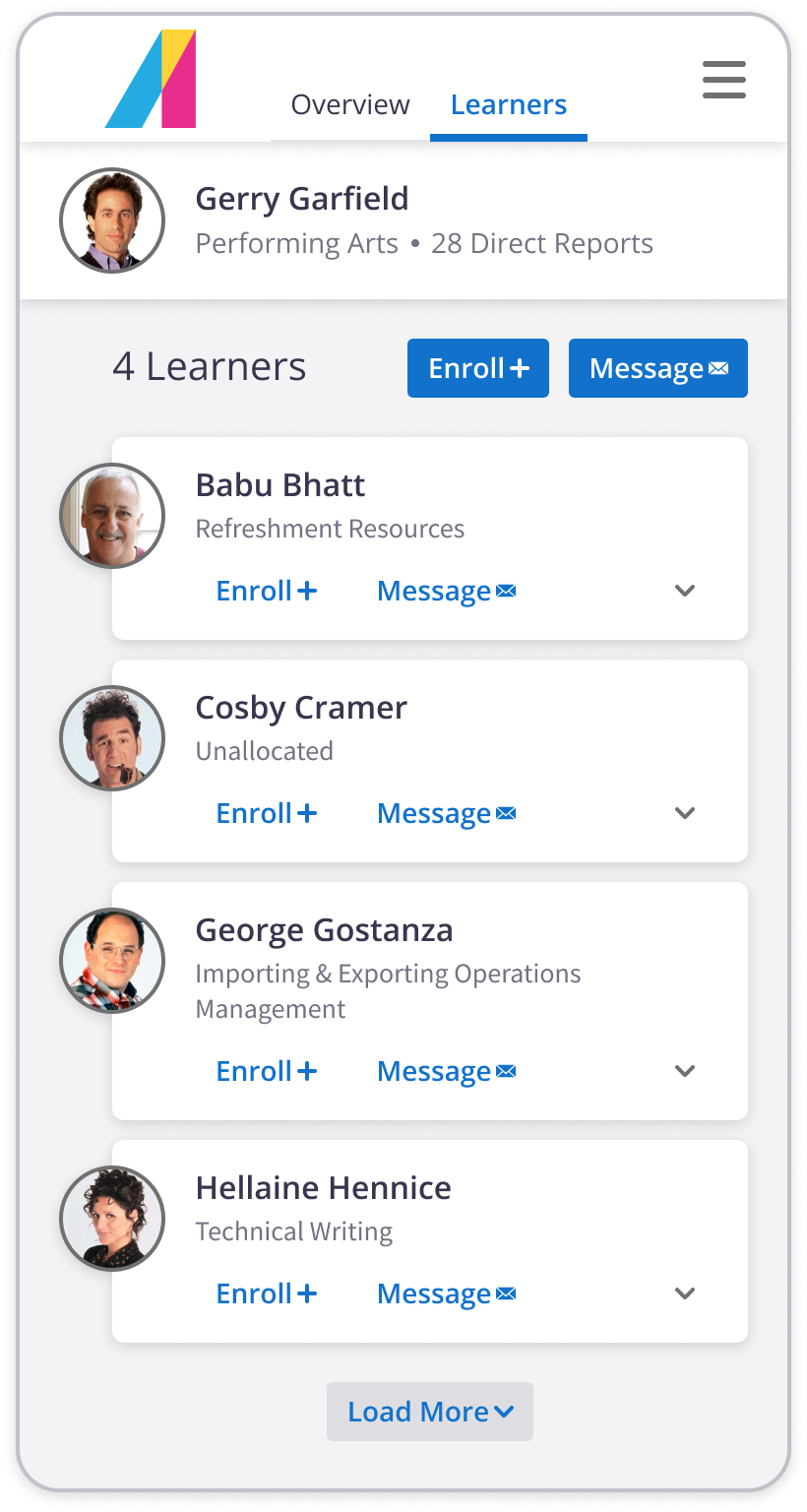
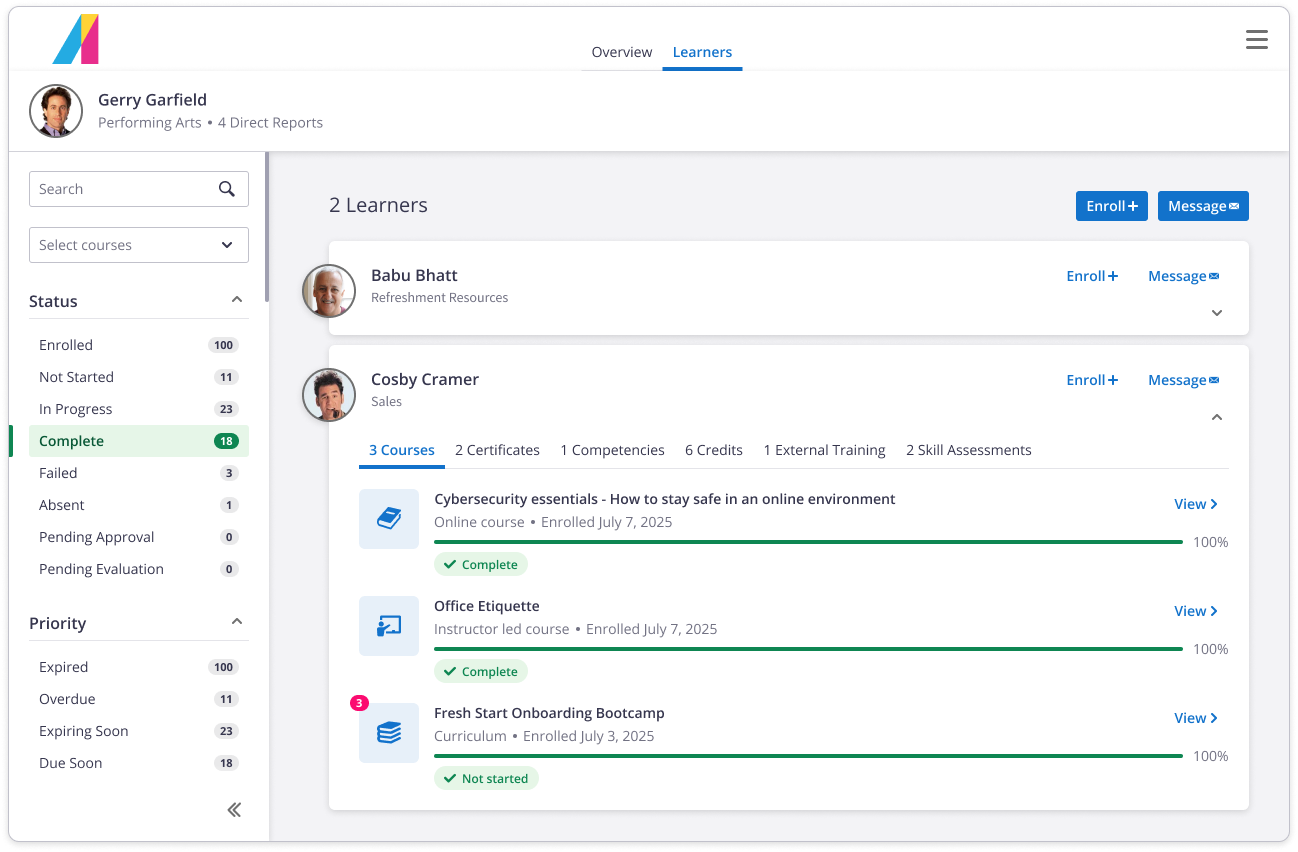
The issue then, was to break a tenet of healthy data management by showing many learners and their many, many courses, which would inevitably result in poor performance. A clever idea to load courses per learner as an expanding details panel proved to be performant, and easier for humans to parse too.
Keeping tabs on direct reports
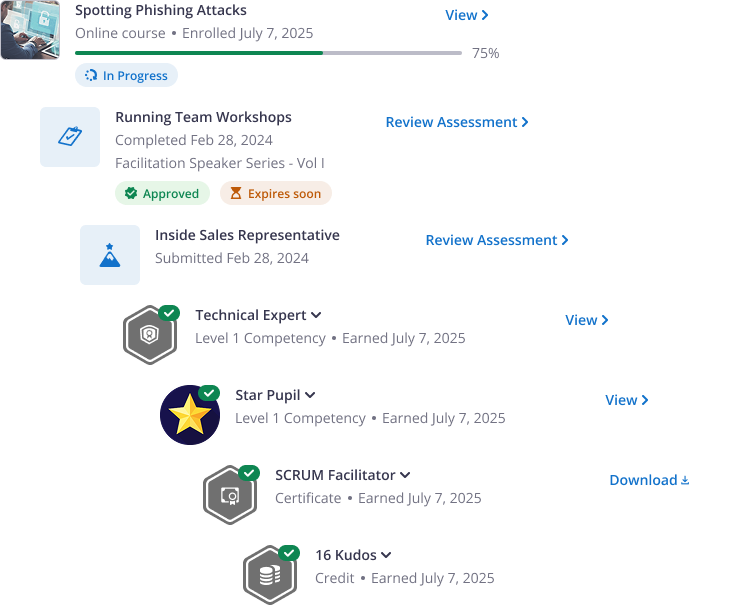
Like a physical file folder, each learner could be flipped open to review their progress, whatever the measure of success. Search and filter controls allow managers to refine their lists of learners, allowing them to open multiple learners and compare at a time, without the overwhelming data of tables and in a tap-friendly tablet format.
Ready to rock and enroll
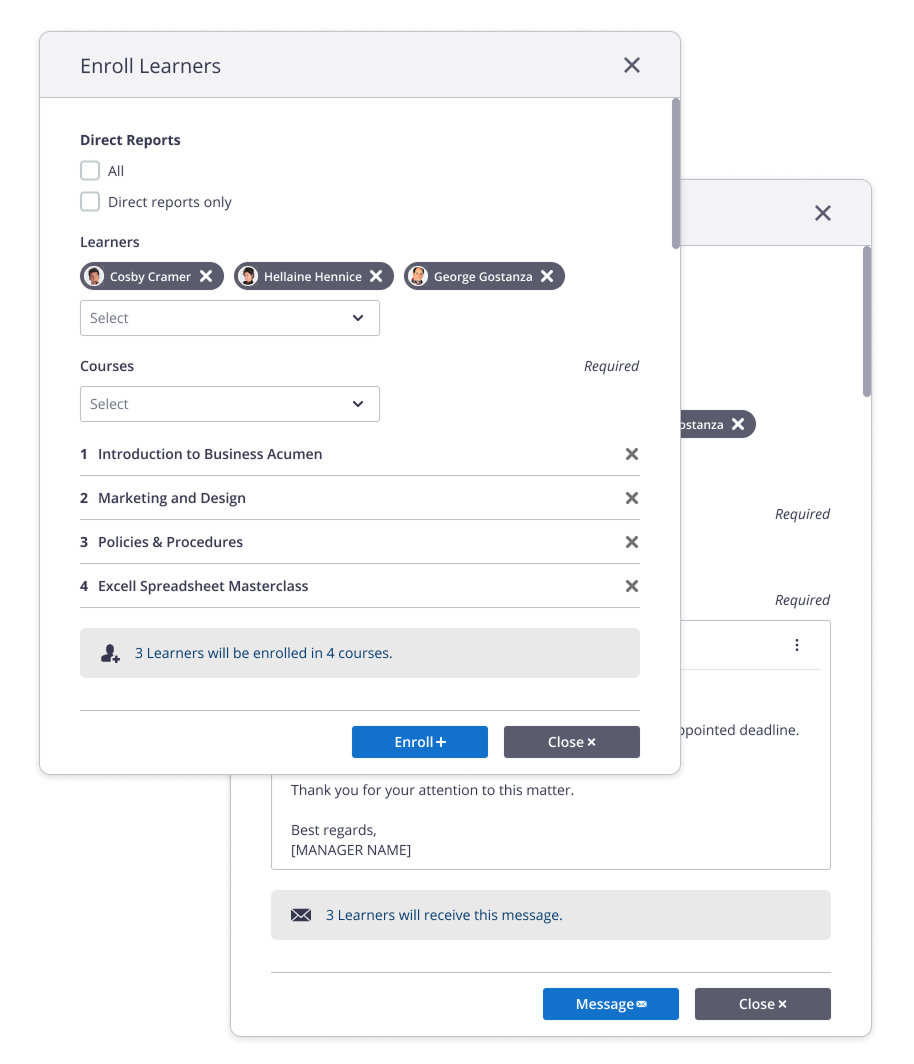
At the tail end of the big picture, managers needed to be essential actions to pursue. Chief among them was to enroll learners who may be missing key training requirements, or those whose training had failed, expired, or otherwise couldn’t be completed.
That escalated quickly
Many learners have the habit of jumping into their company learning management system only when prompted, so email escalations become a key part in alerting them in their daily routines to jump back in. Therefore a similar pattern was used to send email messages to learners, whatever the occasion.
Roll for a skill check
With the expansion of career-guided skills programs launch, the Manager Experience was a perfect place to stage Manager-led performance-reviews for Individual Contributors too.